You call fork() and have two processes. Then a log appears twice, the parent’s file offset changes, or the child blocks on a mutex. Understanding these cases requires knowing what Linux copies and what remains shared.
What the documentation says — and why it’s not enough
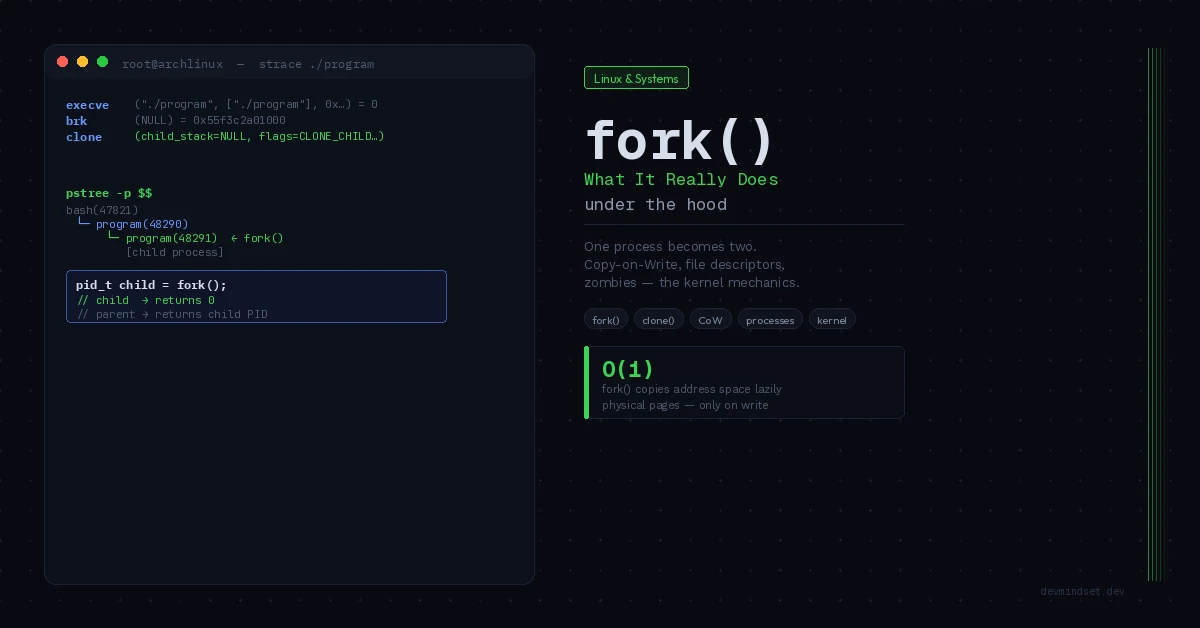
man fork will tell you that the call creates a new process that’s a copy of the parent. It returns 0 in the child process and the child’s PID in the parent. The classic example looks like this:
pid_t pid = fork();

if (pid == 0) {
    // we're in the child here
} else if (pid > 0) {
    // we're in the parent here
} else {
    // fork() failed
}
This pattern describes the call’s result. To predict program behavior, you also need the inheritance rules for memory, descriptors and library state.
Copy-on-Write: Why fork Does Not Immediately Copy All Memory
If fork() copied every memory page immediately, the cost of creating a child would grow with the amount of data copied. When processes are created frequently, that could limit a server’s throughput.
Linux solves this with a mechanism called Copy-on-Write (CoW).
In the usual case, private writable pages in parent and child initially refer to the same physical memory. The kernel protects them against direct writes to handle copy-on-write. This is a simplification for private mappings; shared mappings have different semantics.
Copying happens only when one of the processes — parent or child — tries to write to a given page. The kernel catches this as a page fault, creates a copy of that specific page, assigns it to the process that wanted to write, and continues execution. The other process still sees the original.
fork() is not O(1) regardless of process size. It must create process structures and copy page tables, among other work. CoW defers data copying, but address-space size and layout still affect the cost.
File descriptors and the subtlety you don’t see
fork() also inherits open file descriptors. Here the word “copy” can easily lead to the wrong conclusion.
The child receives its own descriptor table. Corresponding entries refer to the same kernel open file descriptions, however, sharing the offset and file status flags.
This has direct consequences:
If the parent has an open file and has written up to position 100, the child sees offset 100. If the child writes 50 bytes, the offset jumps to 150 — and when the parent writes next, it starts at 150, not 100.
A shared offset does not by itself imply overwriting each other’s data. Concurrent writes can interleave records, and copied stdio buffers can be flushed twice. These are different problems requiring different fixes.
Close descriptors the child does not need. dup2() is useful for stream redirection, but still shares the same open file description and offset. A new open() creates an independent description when you need a separate offset; it does not automatically coordinate writes to a shared file.
Signal handlers, mutexes, and problems you won’t expect in the child
After fork() the child inherits signal handlers defined by the parent. This is documented and often expected.
For masks, pending signals and SIGCHLD, see signals in Linux.
What’s less obvious: the child also inherits mutex state.
After fork(), only the calling thread exists in the child. A mutex held by another thread can be copied without the thread that would release it. Attempting to use it can deadlock. Libraries may implement their own fork handling, so not every internal lock behaves identically.
This is one of the reasons POSIX defines pthread_atfork() — a mechanism for registering handlers called before and after fork(), which can clean up mutex state.
In the child of a multithreaded process, use only async-signal-safe functions until execve(). pthread_atfork() helps manage known state but cannot automatically repair every library. If the aim is launching another program, also consider posix_spawn().
fork and exec: A New Process, Then a New Program
fork() itself is often a means to launch another program. A common pattern is fork() + exec().
This is a fragment, not a complete program: it needs <unistd.h>, valid args, fork error handling and parent-side collection of child status. After failed execv(), _exit() avoids inherited exit handlers and a second stdio flush.
pid_t pid = fork();

if (pid == 0) {
    execv("/usr/bin/program", args);
    // if execv returns — something went wrong
    _exit(1);
}
execv() replaces the child process image entirely with a new program. Everything fork() loaded — the entire address space of the parent — is discarded and replaced by a new executable.
Calling exec() soon after fork avoids copying much of the inherited data. It does not mean no page is written before the new program starts: code between fork and exec can modify memory.
This is the foundation the entire Unix process model stands on — and why spawning new processes in Linux is faster than you might think.
Zombies and orphans — two problems you see in ps aux
A zombie is a terminated process whose parent has not yet collected its status, normally through wait() or waitpid(); SIGCHLD settings can alter these rules. An orphan is different: the child is still running after its parent has exited.
At scale, zombies occupy entries in the kernel’s process table — which has a finite size. A server that spawns processes without proper wait() can eventually exhaust the limit and stop creating new processes.
In ps aux you recognize zombies by the letter Z in the STATE column and <defunct> next to the process name.
An orphan is adopted by the nearest applicable subreaper or the init process in its PID namespace. The new parent should reap child status. Do not assume that it is always the host’s PID 1 outside a container.
What this changes in practice
When tracing process creation, separate three questions: what the child inherits, what exec() changes afterward, and who collects the exit status.
Every time something unexpected happens with memory, files, or signals after a fork — you now know where to look. CoW explains why modifying a large object after fork() suddenly uses a lot of memory. Shared descriptors explain interleaved logs. Inherited mutexes explain deadlocks in a process that “should be clean.” The same hypothesis-and-deduction approach I described in the debugging article applies directly here.
The “fork copies the process” model isn’t false. It’s just not precise enough to solve problems.
How to investigate this yourself
On Linux, use strace and /proc. strace may need installing, and tracing depends on permissions.
# Observe process creation and system calls
strace -f -e trace=%process your_program

# Check the process memory map before and after fork()
cat /proc/PID/maps
strace -f follows system calls across all child processes — the -f flag means “follow forks.” Seeing raw system calls instead of C library abstractions, you stop guessing what the system is doing.
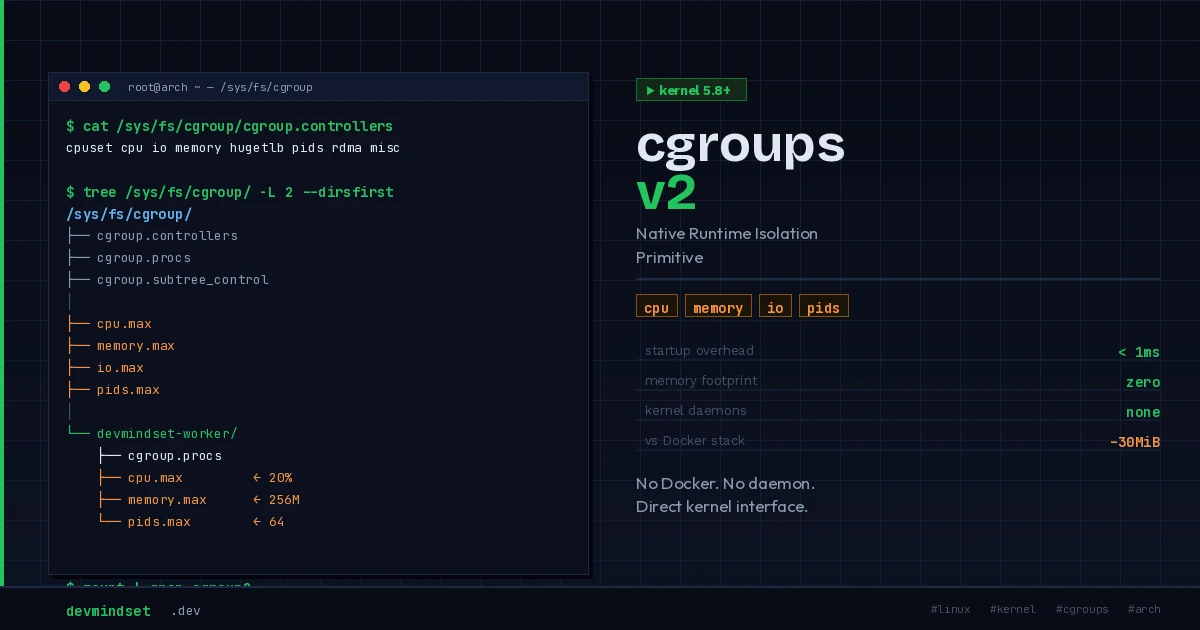
What happens to the address space and copy-on-write pages after a fork() ties directly into the fault mechanics described in the article on the anatomy of a segfault — from the MMU through the kernel to a gdb core dump. The process you’ve just created can then be isolated with native kernel primitives — the subject of the piece on cgroups v2 without Docker.
/proc/PID/maps shows mapping ranges, not proof that physical pages are shared. /proc/PID/smaps is also useful for memory analysis. Explore values after fork in process_demo.py. Run python3 -u process_demo.py so child output is not lost in buffers when os._exit() runs.
Technical references: fork(2), dup(2): shared offsets.